Go first
Show how you might pause, ask what stays the same, or pick an indoor Plan B.
A learning club for families
Practice everyday surprises with your autistic child. Play the first round, swap seats, and let them coach you. Keep the choices you both like on a printable card.
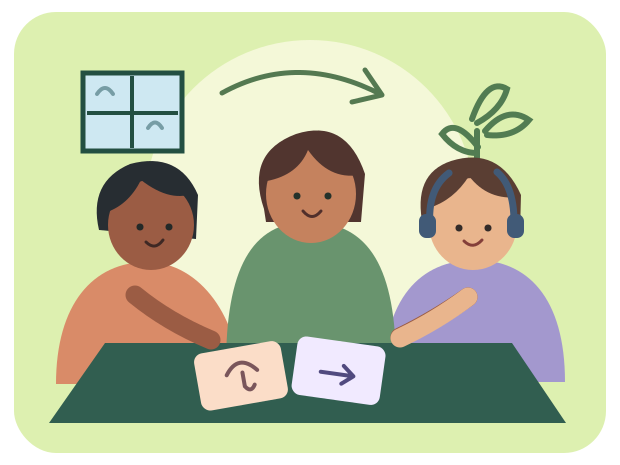
Play it both ways
Try the moment together before you need it. You can point, talk, act it out, or pass.
Show how you might pause, ask what stays the same, or pick an indoor Plan B.
Play the disappointed grown-up and let your child coach you. There’s no score or single right answer.
Print the option you chose together and take it into the real day.
Inside the parent portal
Find short scenes, build a visual routine, print pocket cards, and read the Research Desk. In the member dashboard, parents track scenes they’ve practiced, not how their child performs.
See the visitor demoSee what you’re getting
The demo shows a short role-swap example and a look at the lesson library, printables, and Family Plus tools. No account or subscription required.
Explore the demoMembership concepts
Compare the planned memberships. Subscriptions are not open yet. No payments are accepted.
Free
One complete scene, one visual routine, and printable starter cards. The visitor demo is a separate, shorter walkthrough.
$9.99/month
Complete parent-led lesson plans with activities, practice prompts, and printable tools. Includes one child profile with guided setup and Member Suggestions.
$14.99/month
Everything in Family, plus more lesson plans, richer graphics, short animation videos, and customized animated plans. Includes multiple child profiles with separate progress and guided setup for each.
Good to know
Try one brief role-swap interaction and look at sample tools. You can’t open full lessons, edit or save plans, or print from the demo.
Family gives you complete parent-led lessons, printable tools, and one child profile. Family Plus adds more lessons, several child profiles, short illustrated animation videos, and a custom plan you can play as an animation.
No. Children can point, talk, play, watch, or pass. The dashboard tracks sessions you choose to mark as practiced, not performance.
Not yet. You can see the planned sign-in options, but this public preview doesn’t accept payments, child information, or customer sign-ins.